What does the Day Planner show?
The Day Planner keeps one selected day in focus, with task times, durations, priorities, tags, reminders, completion state, and the next task visible together.
 myDailyTasksExplore Day Planner
Daily planning
Plan one calendar day at a time with task details, times, durations, priorities, tags, completion, reopening, and move-forward controls.
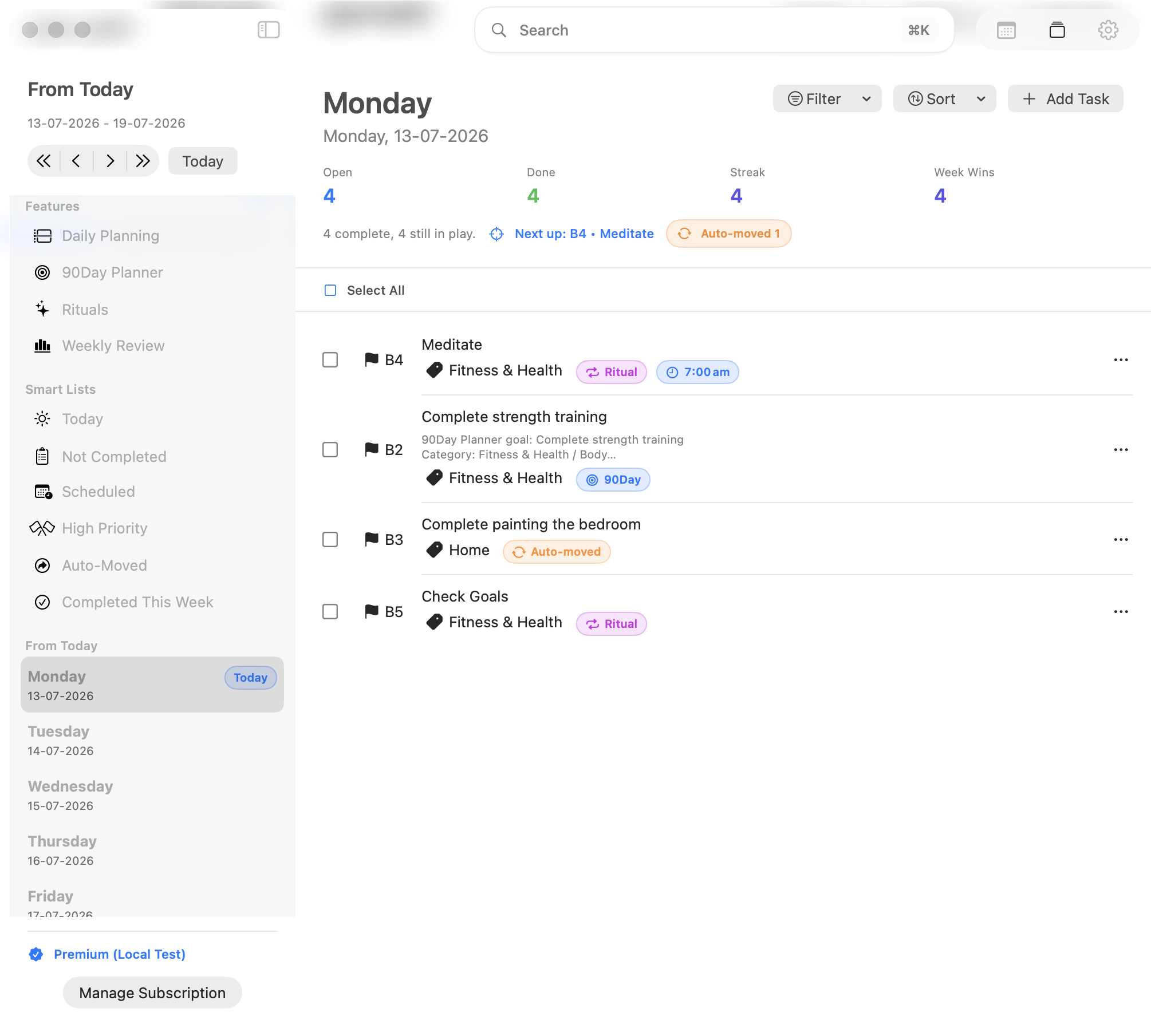
The Day Planner keeps one selected day in focus, with task times, durations, priorities, tags, reminders, completion state, and the next task visible together.
Yes. When automatic task carryover is enabled, open tasks can move forward using your configured timing, priority offsets, tag schedule, and away-period rules.
Choose your starting point
Preview the Day Planner for priorities and tasks, or open Daily Planning to see how time blocking works.