
The five-decision reset
- Capture what is on your mind.
- Choose one A-priority action.
- Choose no more than two B-priority actions.
- Schedule only the work that genuinely needs a time.
- Leave the rest outside today's plan while keeping it findable.
Put the five decisions into the printable daily planning worksheet
Try a five-decision daily reset
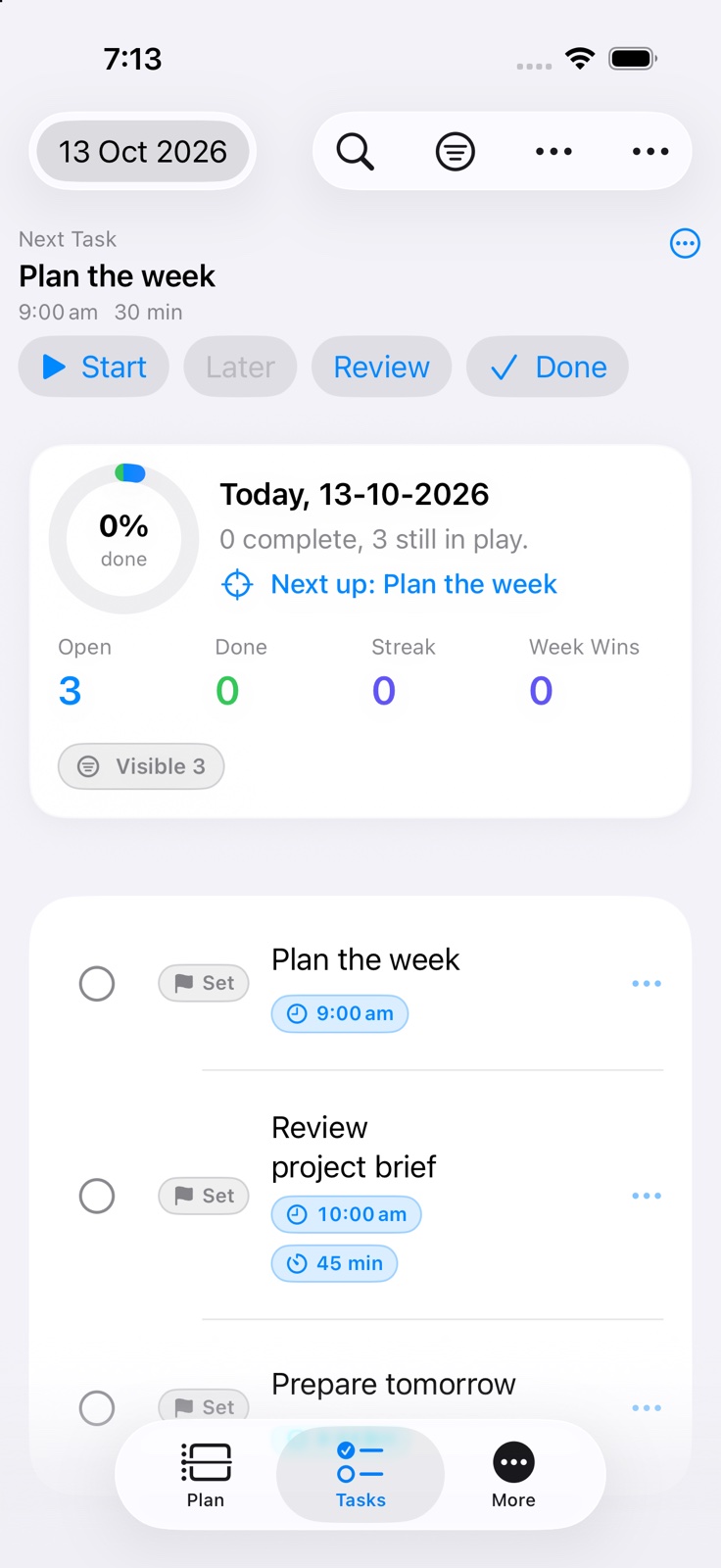
Start with five decisions: capture what is on your mind, choose one A-priority action, choose no more than two B-priority actions, schedule only work that needs a time, and leave the rest outside today's plan.
For example, Today might contain “send the signed form” as A, “buy groceries” and “call the mechanic” as B, and a 2:00 pm appointment on the timeline. Everything else remains findable in Smart Lists without competing for attention now.
Give time only to work that needs time
A scheduled task and a flexible task are different decisions. Put appointments and genuinely time-specific work onto the Daily Planner timeline. Leave flexible actions available to choose when a suitable gap appears.
This keeps the timeline readable and makes it easier to see whether the day is realistic before it becomes overfilled.
Use simple signals for the next decision
A/B/C priorities, numeric rank, and tags can make the next choice clearer. Use only the signals that answer a real question: what matters most, what can wait, and what context does this action belong to?
The aim is not to build a perfect filing system. It is to reduce the number of decisions needed when you return to the plan.
Keep routines separate from one-off work
Repeated responsibilities can make an ordinary task list noisy. Rituals keep recurring routines separate, then create dated tasks when each occurrence is due.
A small routine with a realistic cadence is easier to adjust than a long sequence built around an ideal day.
Plan for change without treating it as failure
A useful plan needs a way to respond when the day changes. Automatic carryover can keep unfinished work visible, while priority, tag, weekday, weekend, and away-period rules help decide where it moves.
Weekly Review then shows completed and open tasks, plus incomplete Ritual occurrences, so you can adjust timing, scope, or priority instead of judging the whole week by one unfinished task.