
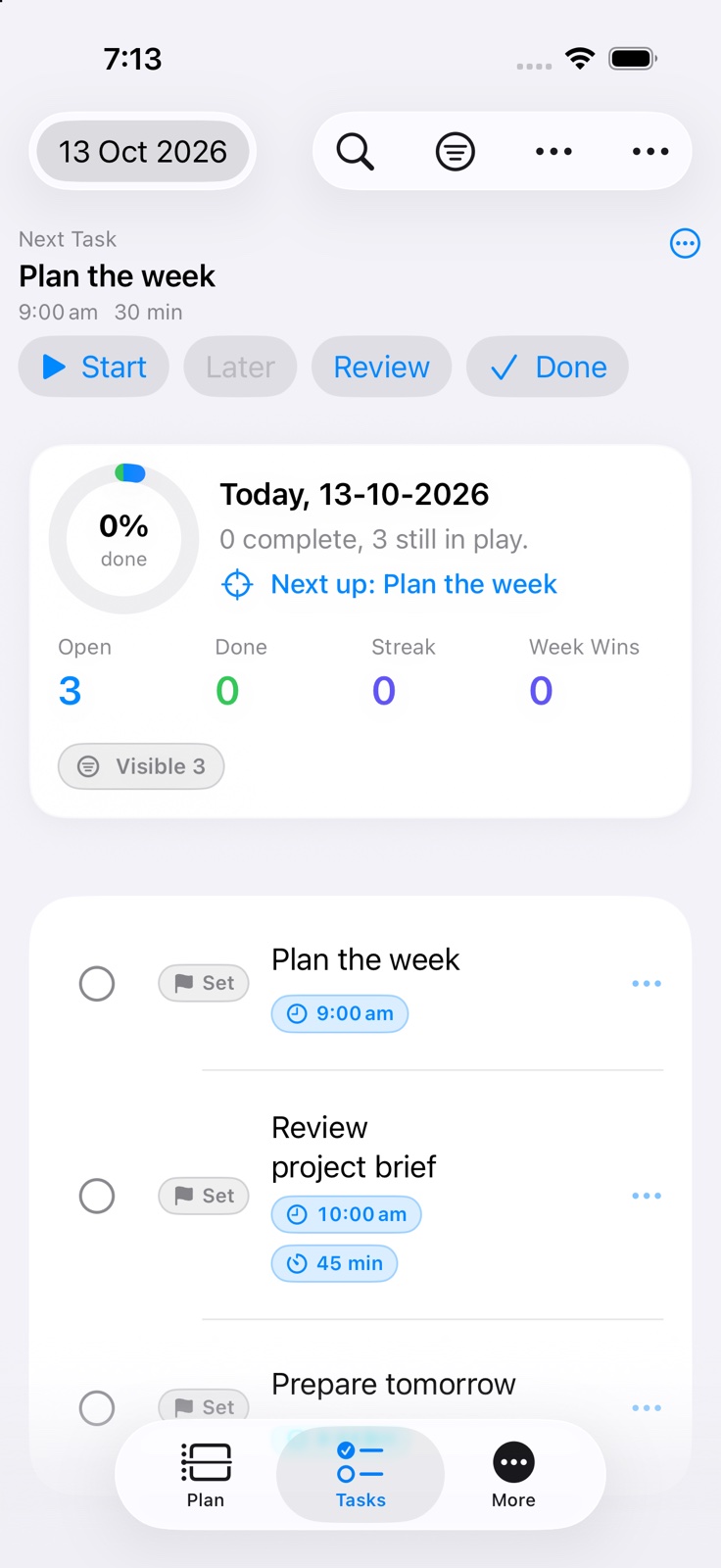
Choose today's one A and two B actions with the worksheet
Separate the outcome from the next action
“Prepare the launch” describes an outcome, but it does not tell you where to begin. A startable task names the visible action: “draft the launch email”, “confirm the release date”, or “review the final screenshots”.
Keep the larger outcome in the task details or a longer goal, then place the next action where you can see and complete it.
Write a task that can be started
Use a verb, a specific object, and enough context to begin without another planning session. Add details or a link when they remove friction, not because every field needs to be filled.
Natural-language shorthand can capture a date, time, priority, and tag quickly, with a review step before the task is saved.
Use priority and rank deliberately
A priority letter can express the consequence of delay: A for work that genuinely needs attention first, B for important work that can follow, and C for work that remains useful but flexible. Numeric rank can order tasks inside the same priority.
If everything is marked A, the signal disappears. Choose a small number of true priorities and let the rest remain visible without competing for first place.
Separate scheduled work from flexible work
A due date, a reminder, and a time block answer different questions. Use a scheduled time when the action belongs at a particular moment. Use a reminder only when a prompt is genuinely useful.
Daily Planner can place timed activities onto a half-hour timeline while unscheduled work stays available to fit around real commitments.
Use tags for context
Tags such as Work, Home, or Health can answer where an action belongs and help you review balance across the week. Keep the set small enough that choosing a tag does not become another task.
Tag schedules can also help automatic carryover respect weekdays, weekends, or anytime work.
Reassess unfinished work
An unfinished task may need more time, a smaller next action, a different priority, or removal. Automatic carryover can preserve visibility, but Weekly Review is where you decide whether the task still deserves a place.
The result is not a perfectly empty list. It is a list whose next actions are clear enough to use.