
Wrist follow-through
Apple Watch
Use Apple Watch for today's tasks, reminder-focused follow-through, quick completion, capture, and complication glances.
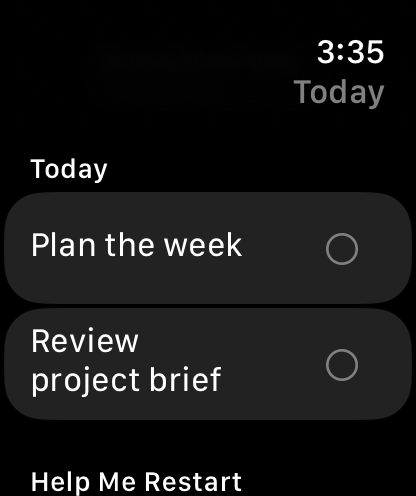
Your planner, on your wrist.
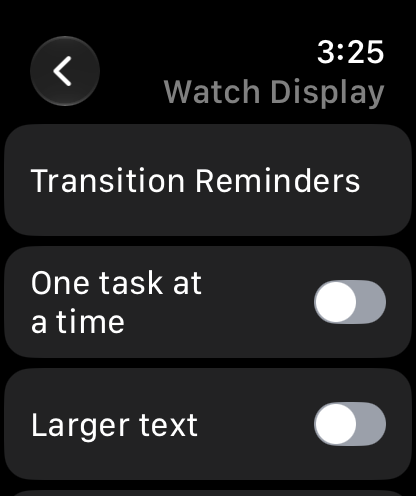
Keep tasks visible and choose a display that suits you.
What it supports
- The free Watch view supports reminder-focused follow-through. Premium enables the full Today task dashboard, Rituals reference and watch-based capture.
- Search and client/project assignment are available within the task dashboard. Calendar Commitments shows the current and next selected event.
- Sync with iCloud saves pending changes, checks account availability and can retry when iCloud is unavailable; Apple controls delivery timing.
- Task Timer, focus sessions, transition reminders, Next Action and Help Me Restart require the latest Watch app. Follow the linked guides for setup, including controls and Double Tap.
- Premium removes the shared free-plan capacity limits and enables Watch planning and capture. The separate Study add-on can be opened from the Watch dashboard without Premium; new Study work requires its own subscription.
- The Today's Tasks complication can show the next open task, open count, and progress in circular, corner, inline, and rectangular layouts.
Keep going
Your next useful step
Continue with a related guide or explore how the feature fits your plan.