
A guided start in version 1.2
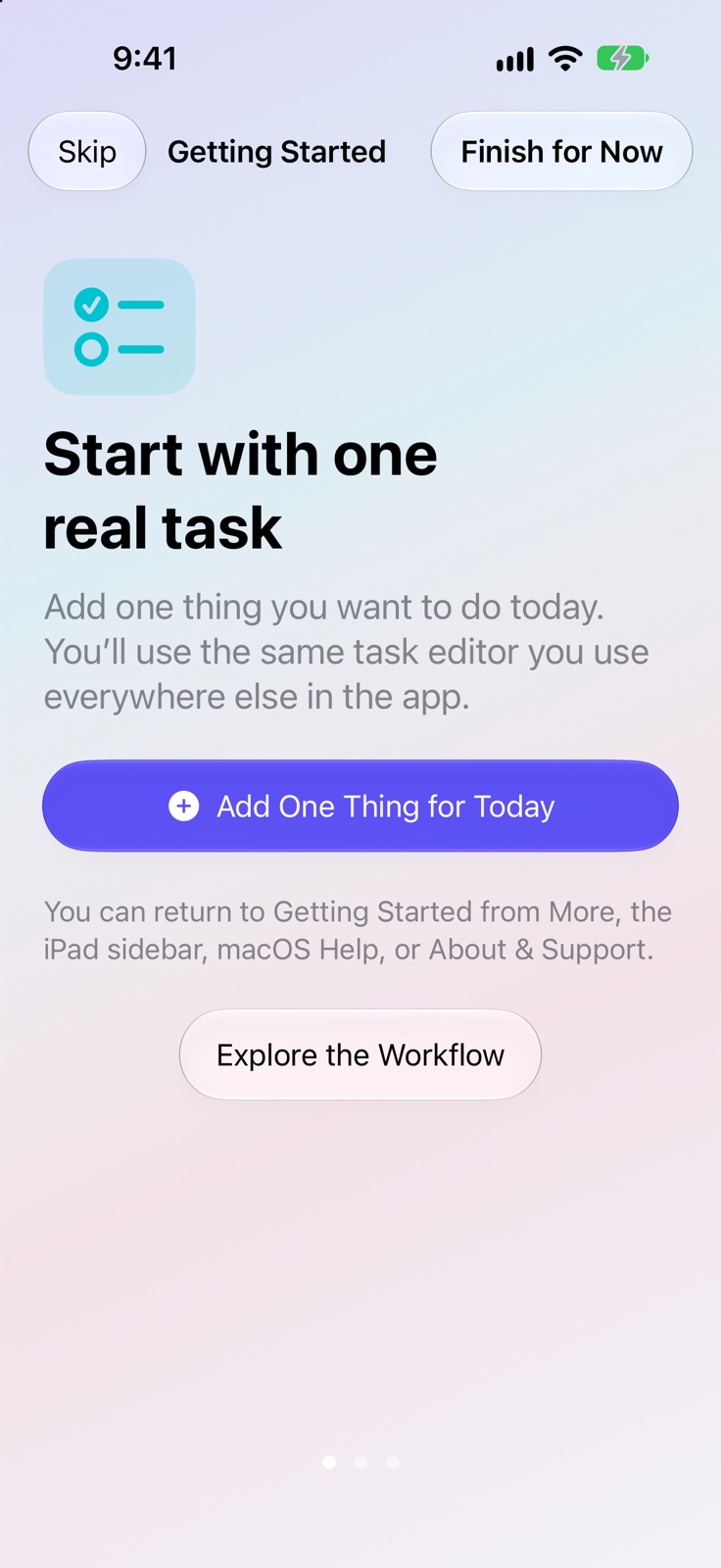
Getting Started
Start with one task, explore a sample planner, and discover the tools at your own pace.
What it supports
- An optional, skippable introduction appears on a genuinely empty installation. Replay Getting Started later when you want a refresher.
- Try the Sample Planner with short and long tasks, an untimed task, sample completion history, a Ritual. The sample Ritual has no reminders.
- Sample records stay outside free-plan limits until you choose to keep them, and the sample can be removed together.
- The introduction explains Today, Daily Planner, Rituals and Weekly Review without automatically requesting permissions or opening a purchase screen.
- Mac includes searchable offline product help and Getting Started from the standard Help menu.
Keep going
Your next useful step
Continue with a related guide or explore how the feature fits your plan.