
New in version 1.2
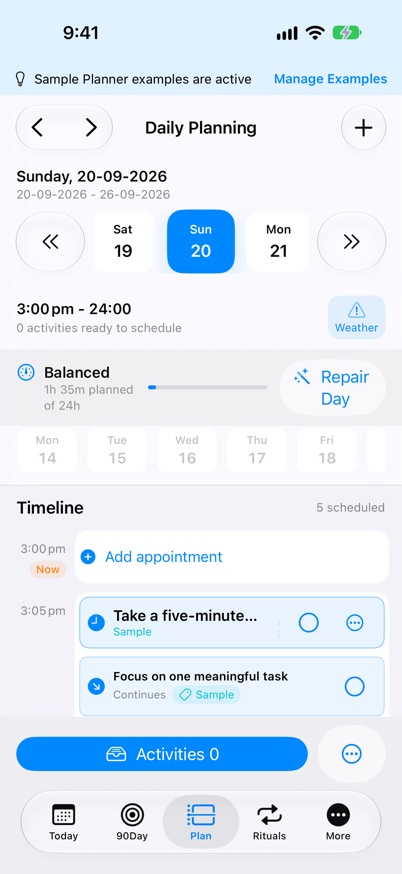
Calendar-aware Planning
See your calendar commitments beside your tasks, understand the time you have left, and review a plan that fits around your day.
What it supports
- Connect calendars already set up in Apple’s Calendar system, including supported Outlook and Google accounts. Choose the calendars separately on each device; events stay read-only.
- Selected commitments appear as fixed timeline blocks. Review clashes, overlapping events, task durations and travel before moving work.
- Premium adds calendar capacity checks, Optimise Day and event-change reviews. Review every proposal before applying it; the app checks the plan again before saving.
- Plan Tomorrow fills the next day each evening around your commitments, and Day Review compares what was planned with what was completed.
- Premium Plan for Event actions create preparation, travel, recovery, follow-up or selected-note tasks, or place movable work before or after a commitment.
- Event notes are included only when you explicitly choose the text. Changing related task reminders requires confirmation. Apple Watch shows the current and next commitment.
Keep going
Your next useful step
Continue with a related guide or explore how the feature fits your plan.